Attention Please!!! Class of 2026
????✨ **Manage all your academic matters easily in one app!**
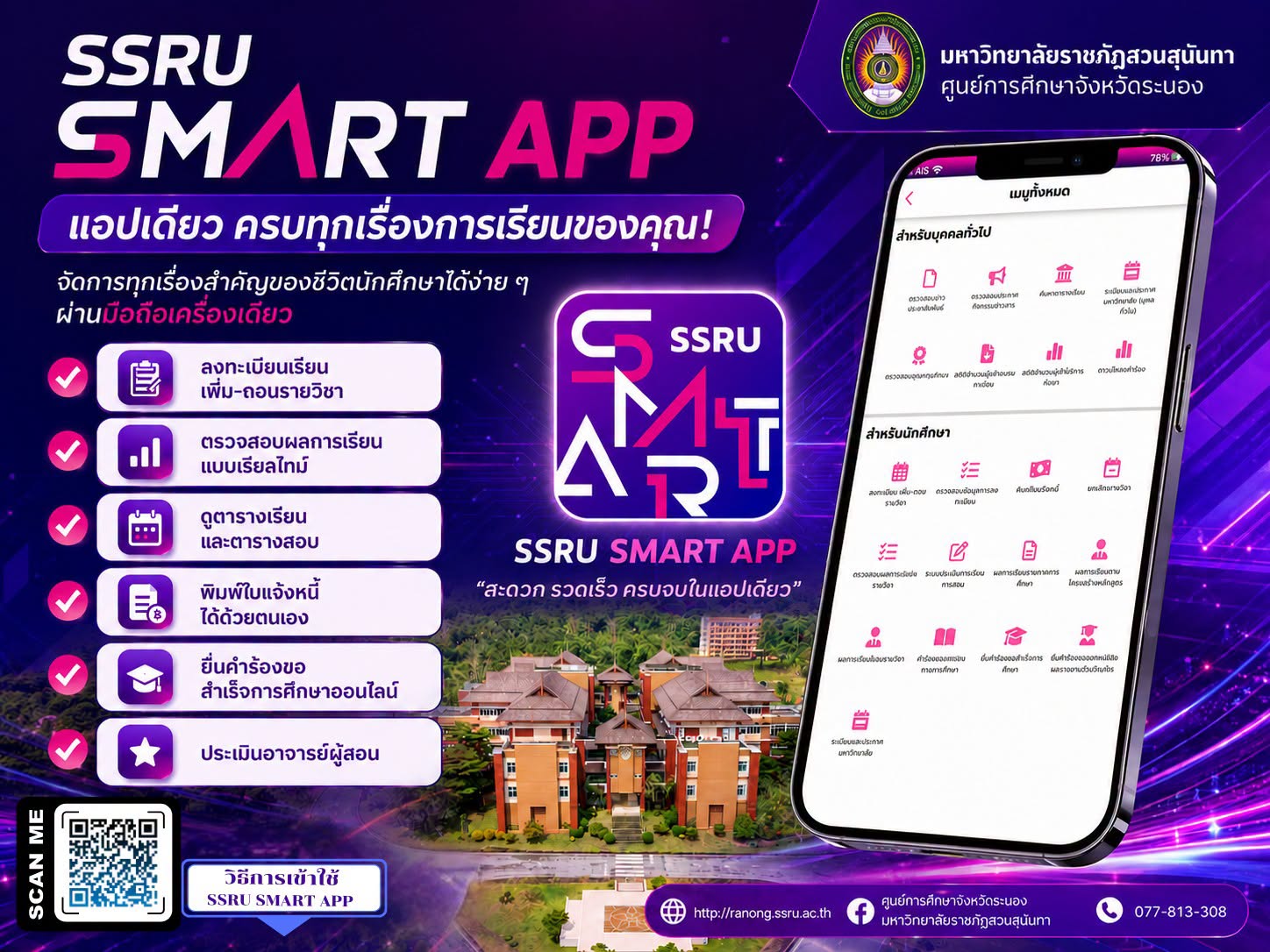
**SSRU SMART APP** Your trusted assistant for students of Suan Sunandha Rajabhat University.
Complete with all the services students need, convenient, fast, and usable anytime, anywhere, through one mobile phone ????
???? **Key Features**
✅ Register for courses, add and drop courses
✅ Check real-time grades
✅ View class and exam schedules
✅ Print your own invoices
✅ Submit online graduation applications
✅ Evaluate instructors
-----------------------------------------------------------------
### ???? How to Use the SSRU SMART APP
1️⃣ Download the **SSRU SMART APP** via the **App Store** or **Google Play**.
2️⃣ Open the app and press **"Log In"**.
3️⃣ Log in with your university account.
???? **For Students**
* Username: Student ID
* Password: National ID Number
???????? **For Staff**
* Username: National ID Number
* Password: Employee ID
4️⃣ Upon first login, the system will prompt you to set a password for use on your mobile device.
5️⃣ Confirm your password again and start using the app immediately! ????
???? **For more information, please visit:**
https://itcenter.ssru.ac.th/service/ssru-smart-app